




17 October 2024
Partoo Launches its Competitive Benchmarking Tool
We are thrilled to introduce the latest addition to the Partoo solution: the Competitive Benchmark!…
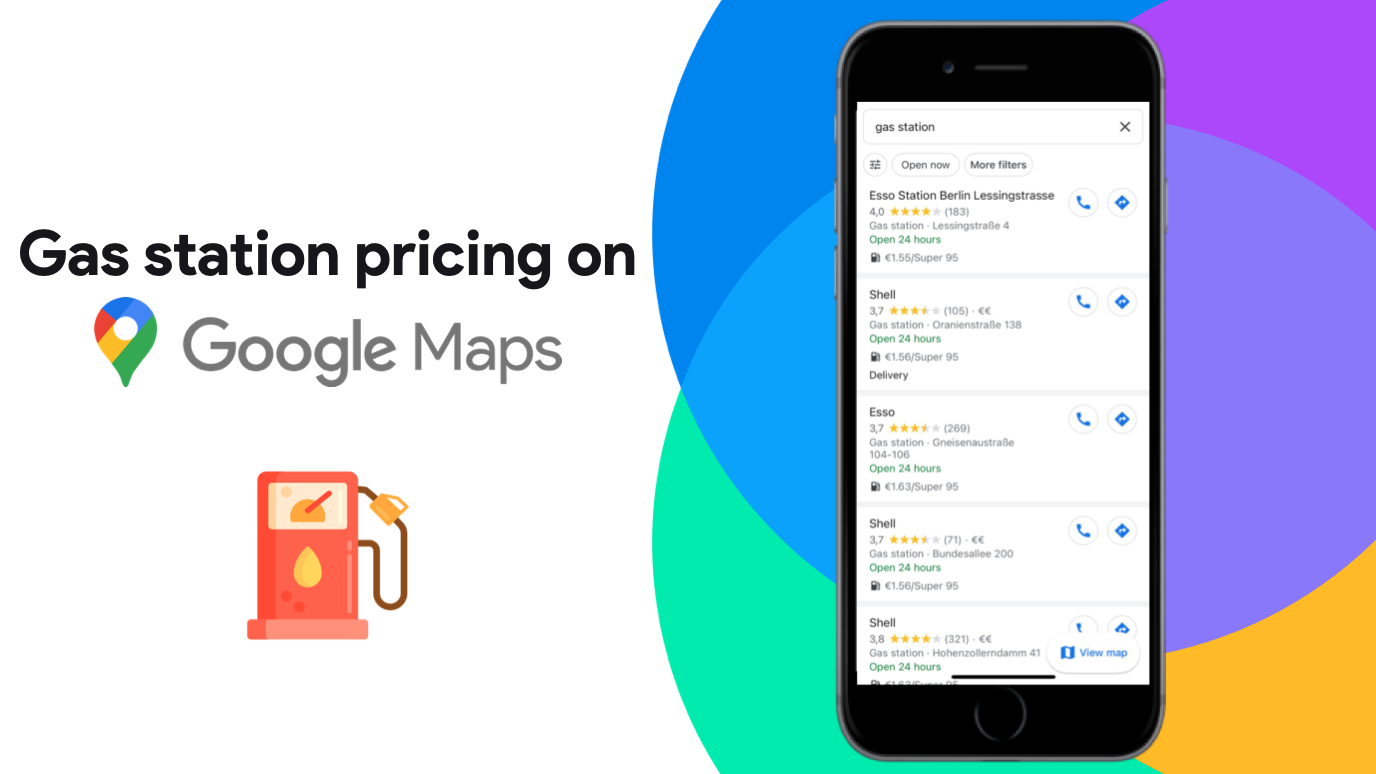


Table of contents
Consumers can now find which Gas station is the cheapest from Google Maps, with the prices being displayed for each station.
Gas prices available on public government websites will be displayed on the Google My Business listing of each gas station. Consumers can now compare the prices between each gas station. This is a game changer for oil & gas companies.
Simply open your Google Maps app on Android or iOS and type in “gas station” or “fuel”. In France, for now, you will need to activate the search results list view for the prices to appear.
Prices are displayed for almost all stations, but since integration is still recent, small stations are still missing this new feature.
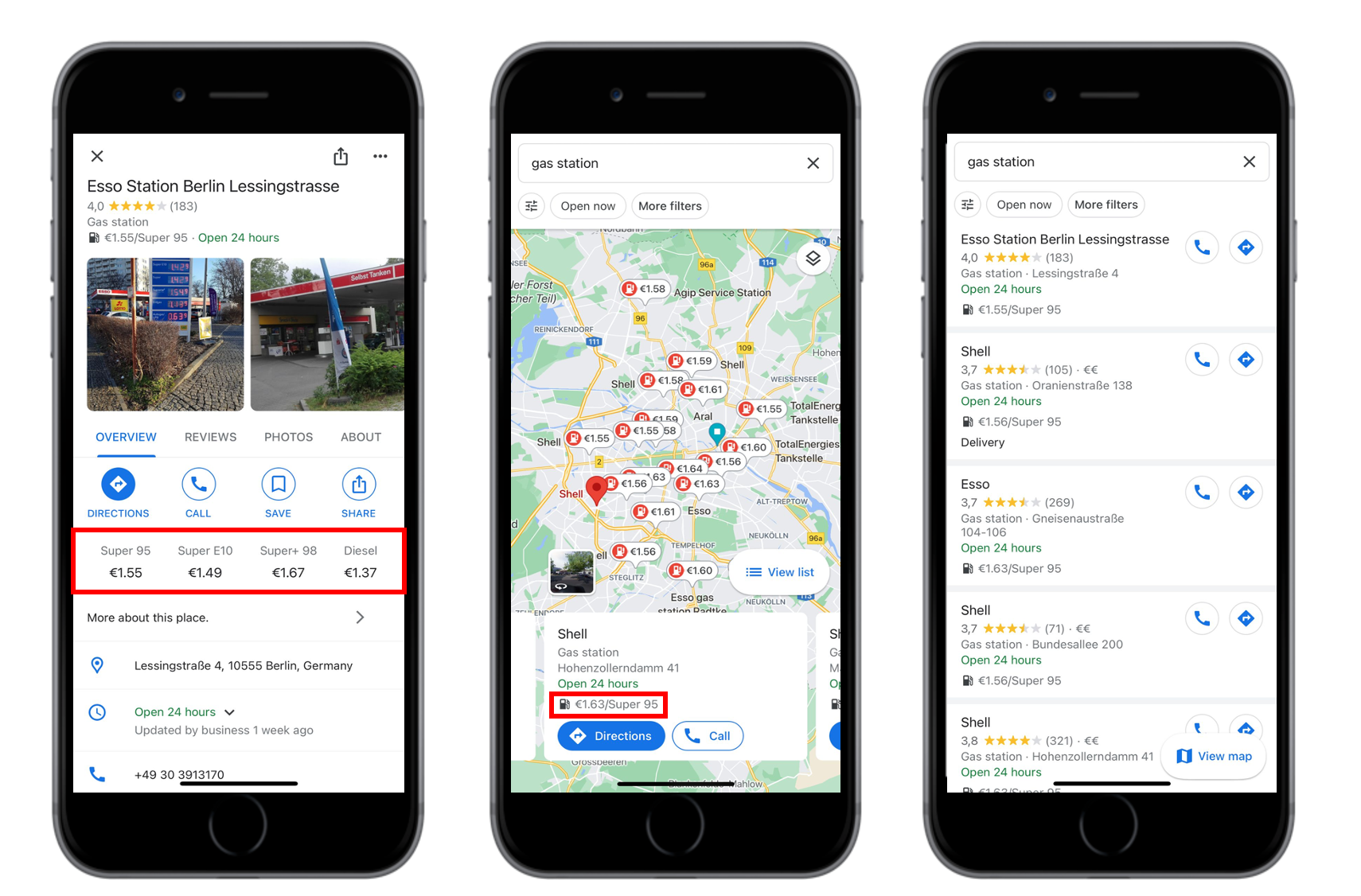
In France, the first price that appears on the search results is unleaded 95 (E10). The other gas types are only visible by clicking on the gas station and opening their GMB listings. The displayed prices are automatically updated through public database managed by their partner Gas Buddy. As well as this, Google invites their users to report any mistakes to the Gas Buddy support team.
Service station managers don’t have to do anything special to get the prices displayed on their Google My Business listing. This functionality is not yet managed from the back office. Instead, Google automatically connects the gas stations with the data platform. Conversely, there is no indication that a gas station owner can ask Google not to display fuel prices.
For professionals, competition will get tougher, but gas station with the best local SEO optimisation will come up first in search results, and therefore will see their drive to store increase.
Here are a few tips to optimise your listings:
Don’t hesitate to ask for help optimising your GMB listings and how to choose the best e-reputation strategy for your gas station!
Want to easily develop your business through the Internet? It’s possible thanks to Partoo!
Download our 2024 barometer and discover which companies manage their online reputation the best, along with recommendations to enhance your business!
We are thrilled to introduce the latest addition to the Partoo solution: the Competitive Benchmark!…

Feedback Management, the brand new tool in Partoo’s products, helps you get closer to consumer…
For several decades, Google has established itself as the undisputed leader of search engines. However,…
Receive our best articles and practical guides directly in your inbox every month