


 Help Center
 How to get help

May 25, 2026
Review management: 5 key performance indicators that may be missing from your current tool
Most review management tools slip up big time: they treat data as if it exists…


Powered by Jim

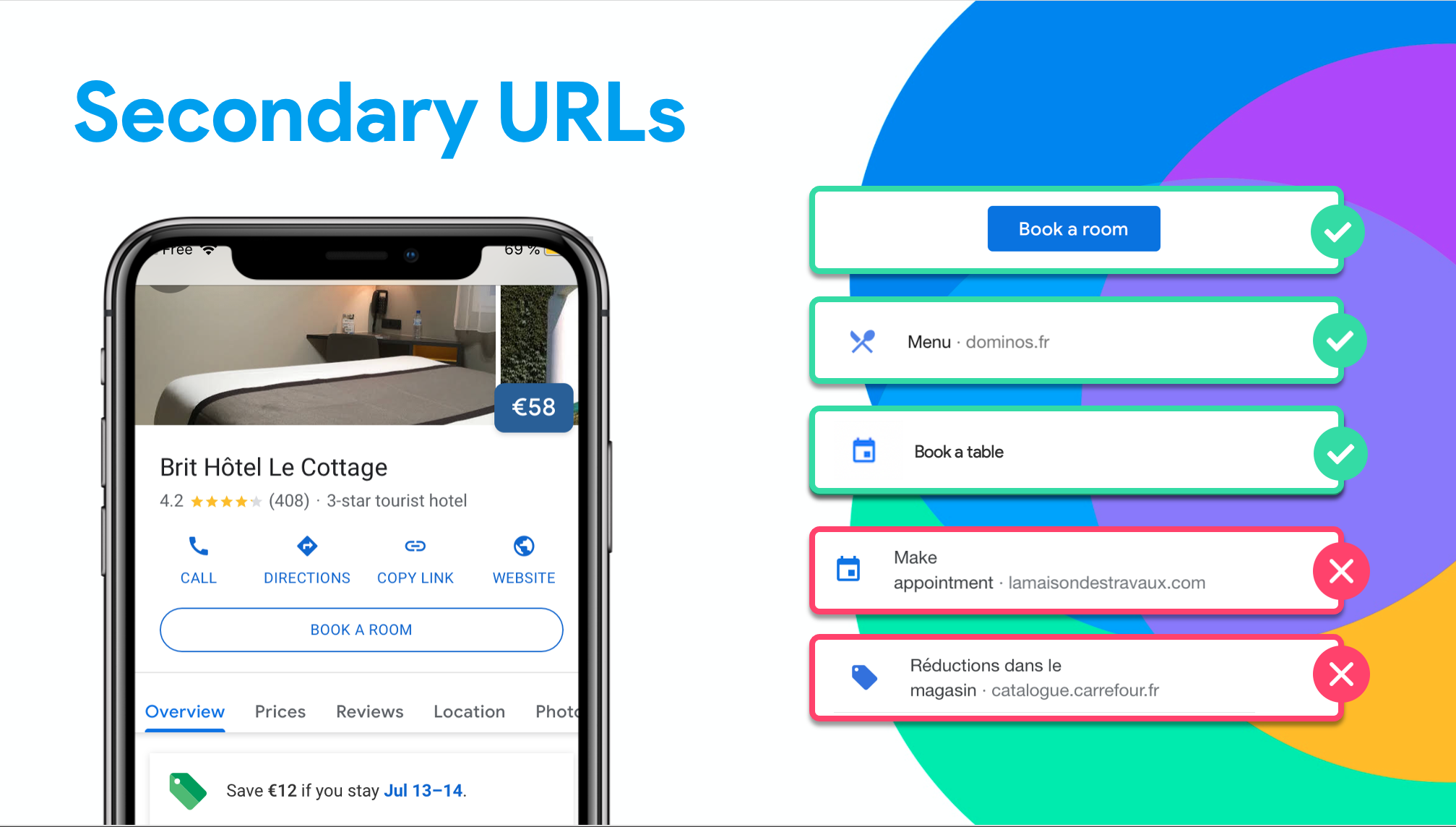
Table of contents
Google My Business gives local establishments the option of adding other URLs, in addition to their websites, to encourage users to perform certain actions via their listings. Find out in our article how to use this feature on your Google My Business profile.
Adding URLs can result in more interaction with your Google My Business listing by encouraging users to do the following:
Disclaimer
Some links from third-party services (TheFork, for example) are automatically displayed on the Google My Business listings and it is not possible to manage them from the Google back office. If a listing contains a URL registered by the listing’s owner as well as another URL from a third-party vendor, however, the owner’s URL will appear first, thus limiting any business the third-party vendor might get from the listing.
Some links from third-party services (TheFork, for example) are automatically displayed on the Google My Business listings and it is not possible to manage them from the Google back office. If a listing contains a URL registered by the listing’s owner as well as another URL from a third-party vendor, however, the owner’s URL will appear first, thus limiting any business the third-party vendor might get from the listing.
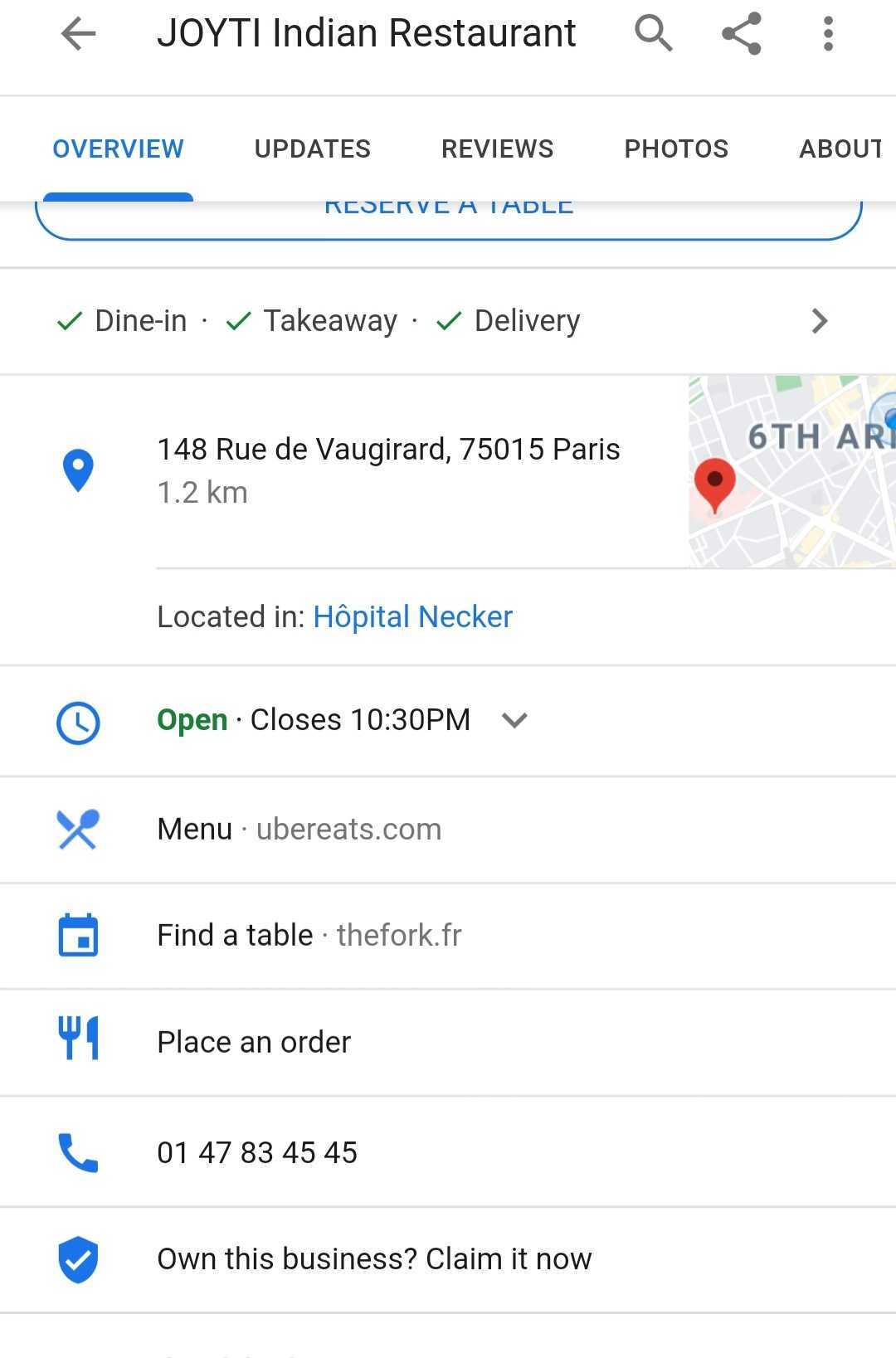
The URL fields available depend primarily on the establishment’s main category.
The following is an overview of the various possibilities:
Presence Management

Marketing Manager
Want to easily develop your business through the Internet? It’s possible thanks to Partoo!
Download the 2026 Barometer on online presence and e-reputation of businesses and gain practical insights to increase your chances of being cited by AI.
Most review management tools slip up big time: they treat data as if it exists…

4.2/5 stars… Most companies would be delighted with this rating. For us, however, you could…

The Voice of Customer (VoC) has long been used to measure certain KPIs: a quarterly…
Receive our best articles and practical guides directly in your inbox every month