


 Help Center
 How to get help
September 16, 2026
Voice of Customer: the guide to listening and taking action with AI
Most businesses are already collecting Voice of the Customer data: Google reviews are piling up,…


Powered by Jim
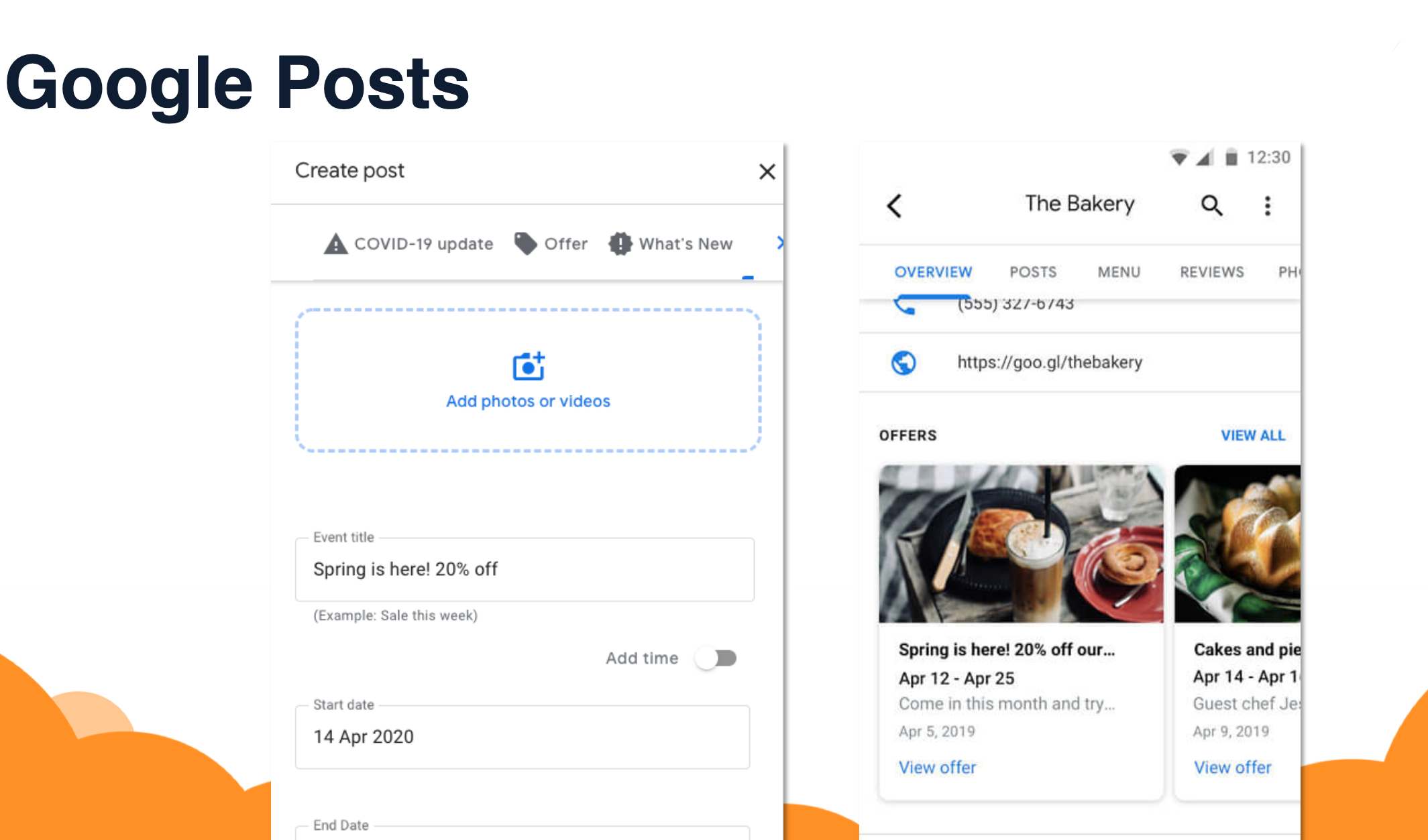
Table of contents
Since 2017, a new feature has been available on the Google Business Profile (GBP) listings of establishments – Google Posts. These are very effective for communicating news or events specific to your company.
Google Post is an efficient tool for GBP page owners to talk about all the latest updates and events in their store/establishment. In principle, it is similar to a Facebook post on your newsfeed.
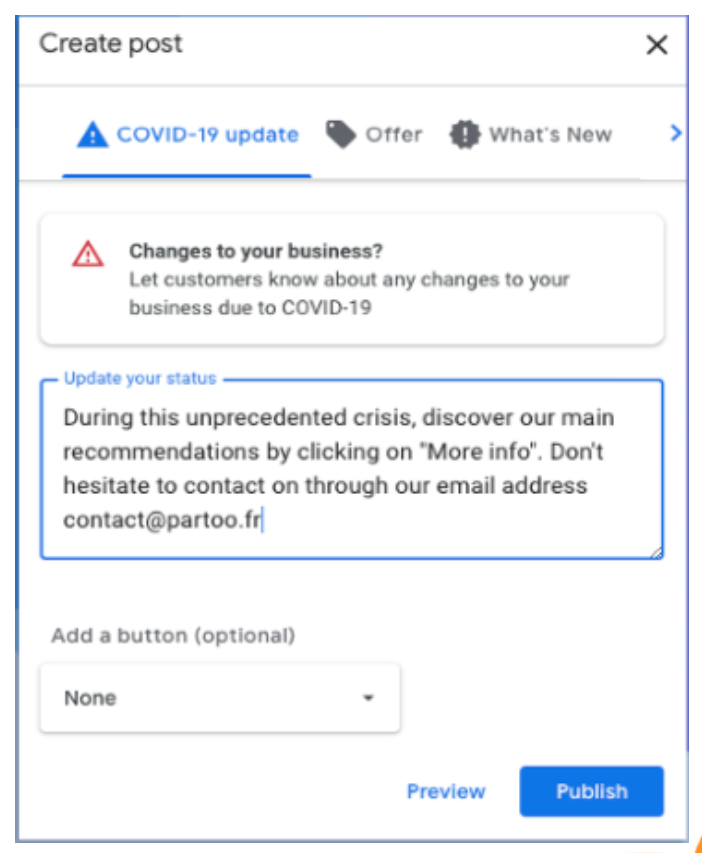
Google Posts allow you to offer discounts, announce sales, menu changes or even specific events such as exceptional closures or measures taken against the covid.

A post should be brief and to the point.
Please note: Posts have a limited display time which depends on the type of post.

Marketing Manager
Transform the customer experience across your businesses with AI
Download the 2026 Barometer on online presence and e-reputation of businesses and gain practical insights to increase your chances of being cited by AI.
Most businesses are already collecting Voice of the Customer data: Google reviews are piling up,…

While Artificial Intelligence is revolutionising plenty of things, some elements remain unchanged. The traditional stages…

A satisfaction survey sent at the right moment gets a higher response rate and more…
Receive our best articles and practical guides directly in your inbox every month