



 Help Center
 How to get help


September 16, 2026
Voice of Customer: the guide to listening and taking action with AI
Most businesses are already collecting Voice of the Customer data: Google reviews are piling up,…


Powered by Jim

Table of contents
As of 2025, Partoo has integrated Apple Business into its Presence Management solution.
Thanks to this integration, you can now link your Apple Business account to your Partoo account and seamlessly synchronise your local business information across Apple’s ecosystem of apps and services. Here’s how it works.
Apple Business is a free service offered by Apple that enables companies to manage their presence across the Apple ecosystem (including Maps, Siri, Spotlight, and Wallet) to be more easily discovered and reach more customers. Brands can customize their listings (photos, opening hours, contact details), publish updates through “Showcases,” offer actions such as appointment booking or reservations, and track performance through detailed insights.
By integrating with Apple Business, Partoo now enables you to manage your Apple Business listings directly from its platform, ensuring full control and consistency across many apps in the Apple ecosystem, including Maps.
Here’s what you gain from syncing Apple Business with Partoo:
The integration process is simple and consists of three main steps. Once the initial setup is complete, Partoo handles everything else for you!
To start, create a free Apple Business account (if you haven’t already). Apple will then ask you to verify your business by submitting legal information (such as the lease or the utility bill that shows your location’s name and address) when you begin to setup features.
Once your Apple Business account is verified, you can connect it directly via the Partoo platform.
How to link your Apple Business account to Partoo
Go to Settings > Platforms > Apple Connection
You’ll be redirected to Apple Business to confirm the link between your accounts.
Go to Settings > Platforms > Apple Connection
You’ll be redirected to Apple Business to confirm the link between your accounts.

No manual action required — Partoo automatically manages the creation or association of your listings in Apple Business.
There are 3 possible scenarios once your company is set up:
Already a Partoo client and want help linking with Apple Business?
Contact your account manager or log into the Partoo app to get started!
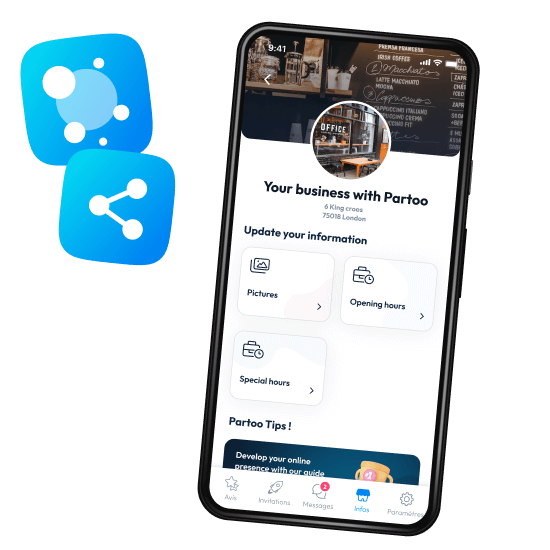
With this integration, Partoo continues to help businesses increase their visibility. Use Partoo to strengthen your local marketing and expand your online presence with Apple Business! Get started by registering for free here.
Download the 2026 Barometer on online presence and e-reputation of businesses and gain practical insights to increase your chances of being cited by AI.
Learn the secrets to effective Google Business Profile optimisation.
Most businesses are already collecting Voice of the Customer data: Google reviews are piling up,…

While Artificial Intelligence is revolutionising plenty of things, some elements remain unchanged. The traditional stages…

A satisfaction survey sent at the right moment gets a higher response rate and more…
Receive our best articles and practical guides directly in your inbox every month