


 Help Center
 How to get help

October 26, 2026
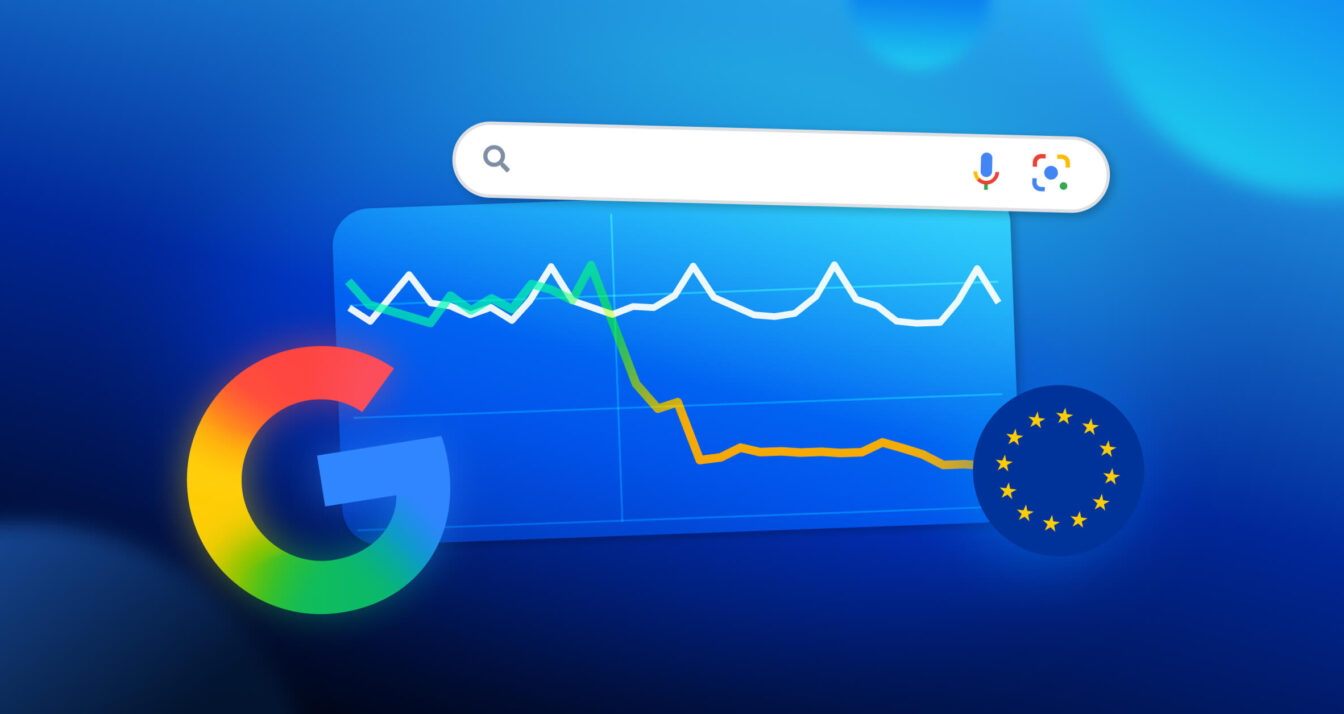
Google listings: should you be worried about the 80% drop in views in Europe?
Since late September 2026, Google has been recording up to 80% fewer Search views for…


Discover our all-in-one Voice of Customer offering

 Chandralekha Radjavelou
Written by Chandralekha Radjavelou
Table of contents
Having optimised, up-to-date Google listings is essential for all businesses in the automotive sector. Dealerships and service centres also face a special challenge: how to manage multi-branding and/or multiservice? They need to be able to present to Internet users all the brands and services offered in the establishment and, by extension, to be referenced on numerous local queries (“fiat London”, “Peugeot Bern”, “oil change Amsterdam” etc.). Fortunately, Google Business Profile gives you the flexibility to easily list all your brands and services.
Are you a dealership from several different manufacturers? Here’s the solution to get them all listed on Google without penalties or duplication:
There’s the main listing (the generic one for your dealership), then the secondary listings (those for the brands). This allows you to position your offer better on Google while multiplying the potential entry points to your business. In short, Internet users will be more likely to come across your dealership in their online search.
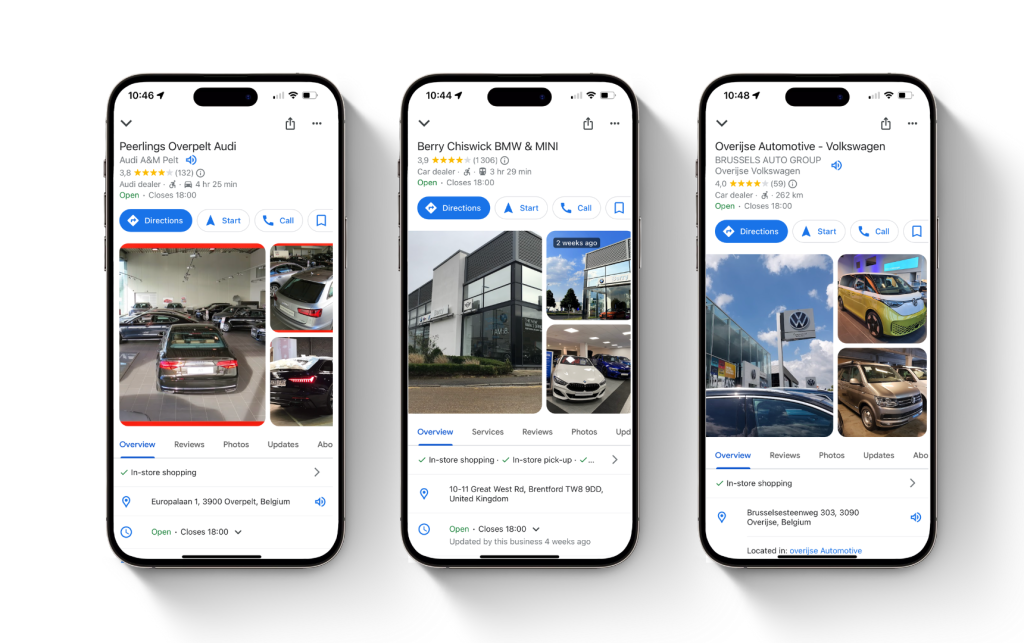
And don’t forget to personalise the photos on the secondary listings with images of each manufacturer’s models. If you have dedicated a page on your site to each brand, also enter the corresponding link for each one.
To ensure that each brand is clearly identified, Google requires each listing to have a different shop front photo on its “cover”. In this way, Google recognises each listing as independent.
To ensure that each brand is clearly identified, Google requires each listing to have a different shop front photo on its “cover”. In this way, Google recognises each listing as independent.
When it comes to services, there’s nothing simpler than creating a secondary listing for each different service. Google has recently launched a very practical dedicated feature.
The Services feature allows merchants to list the services they offer in their business on their Google listing. You can choose from a list of services automatically suggested by Google or add your own customised services. You can then add a price and a description.
The purpose of these services is to help businesses specify their offer and increase their chances of being found and chosen by web users. Including services in your listings greatly increases your chances of appearing in the corresponding search queries. As a bonus, services regularly appear in the form of justifications in the Local pack results. Google indicates that you offer the service the user is looking for directly on the results page. This is very important for your local referencing strategy.
You can also manage your services from the Partoo platform. It allows you to centralise and manage all the services at your points of sale from a single interface. You can then make individual or grouped changes for all the outlets in your network.
Do you have any questions? Contact us to find out more!
By Chandralekha Radjavelou
Digital Marketing Specialist
Transform the customer experience across your businesses with AI
Download the 2026 Barometer on online presence and e-reputation of businesses and gain practical insights to increase your chances of being cited by AI.
Since late September 2026, Google has been recording up to 80% fewer Search views for…
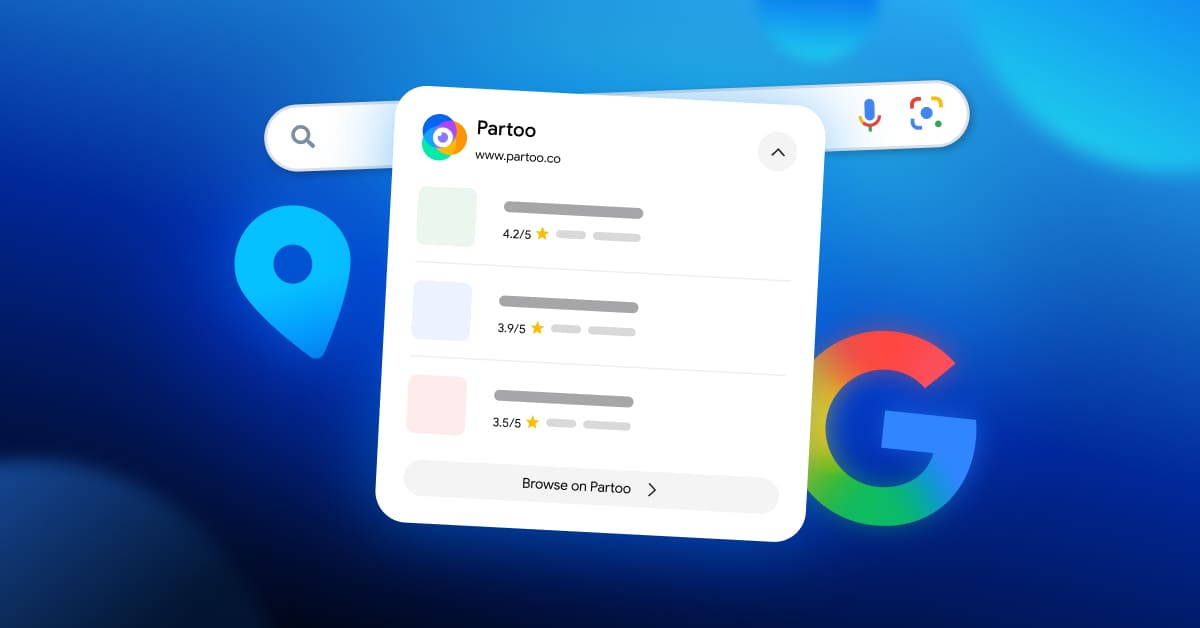
Since 18 September 2026, Google has been displaying Partoo’s Local Pack for many local searches…
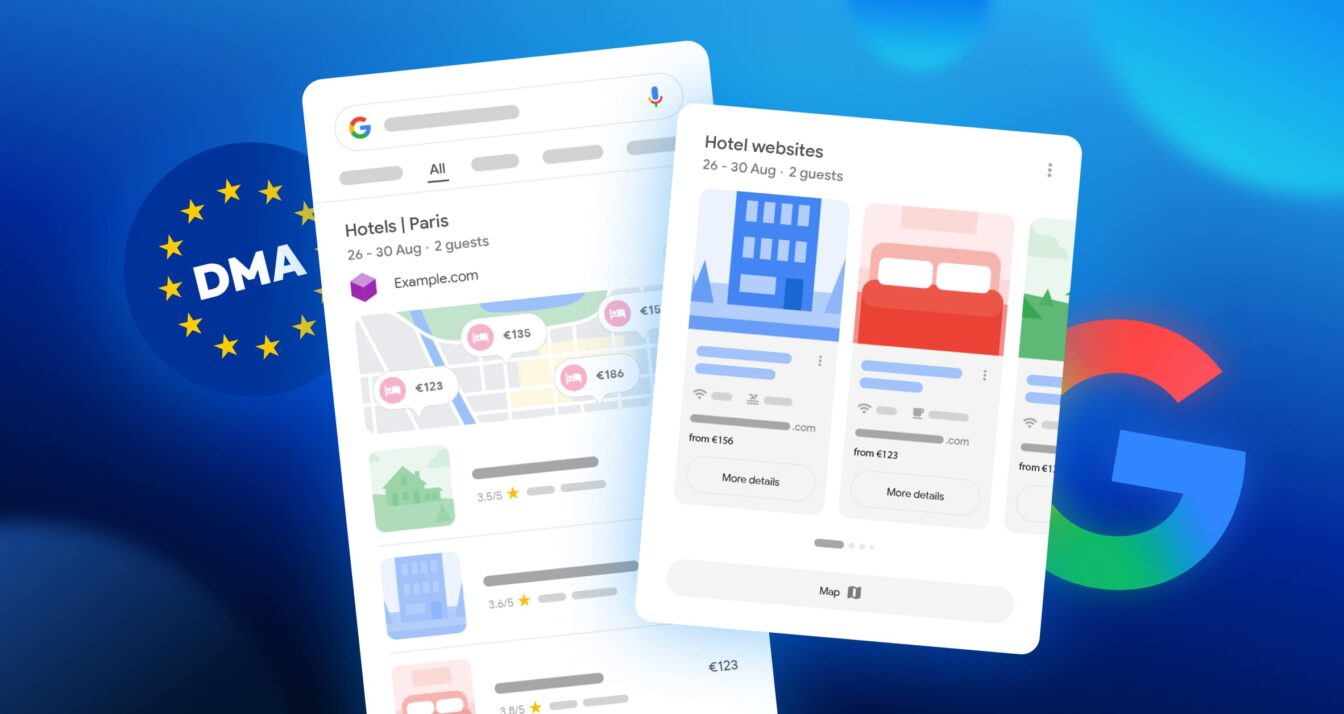
Google updated the appearance of its search results page in Europe on 8 September 2026…
Receive our best articles and practical guides directly in your inbox every month