


 Help Center
 How to get help
October 22, 2026
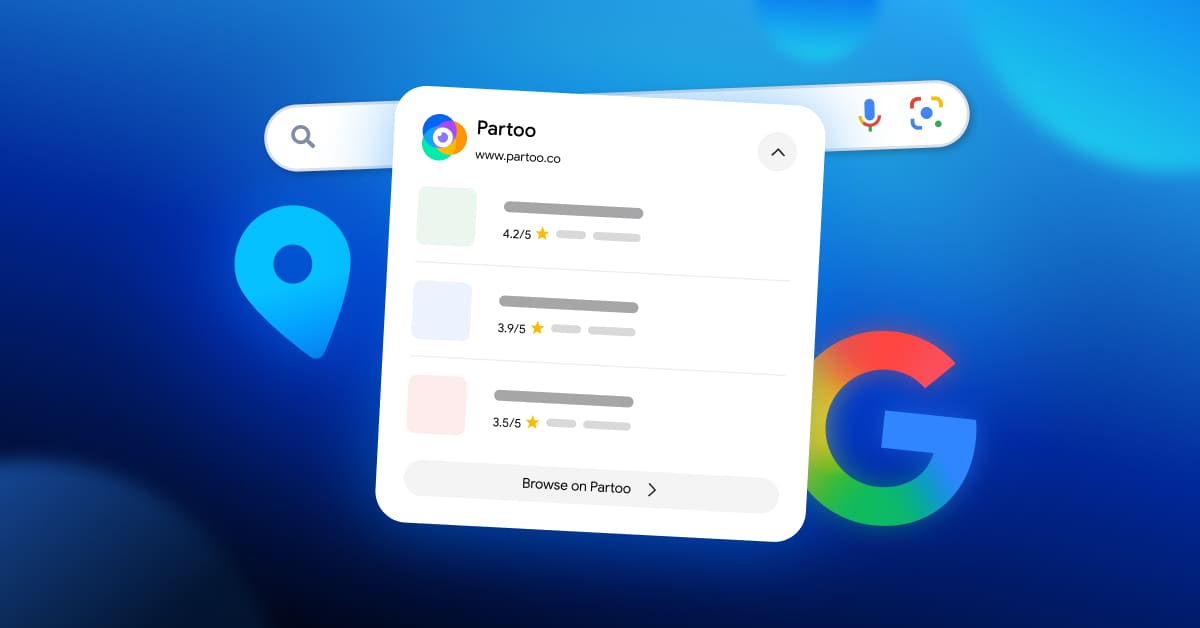
Partoo’s Local Pack now appears in Google search results
Since 18 September 2026, Google has been displaying Partoo’s Local Pack for many local searches…


Powered by Jim

 Written by Beatriz Sierra Sanchez
Table of contents
Customers want to make reservations as easily as they purchase a product online. Google has understood this need with the release of the “Reserve with Google” feature, allowing users to book via your business listing or Google Maps.
Find out how to activate “Reserve with Google” on all your business profile listings with Partoo!
There are several ways to let customers book or make an appointment using Google Search and Maps.
If you already have an in-house booking engine, you can integrate it into your Google Business Profile and manage it yourself. Your customers will be able to book in one click, and you won’t need to rely on a third-party provider or fork out their fees. By integrating your own tool you can:

Did you know?
In addition to a “main” booking button, you can add specific booking links for each service you offer. These are visible in the “services” section of your Google listing!
In addition to a “main” booking button, you can add specific booking links for each service you offer. These are visible in the “services” section of your Google listing!

If you don’t have a booking tool, you can add a link to a third-party booking site (the “Place Action Link”) to your Google listing. However, your listing won’t have the “Book” button, but rather a discreet link.
You can also use Google’s third-party partners (BookDinners, Planity,The Fork, etc. depending on your sector). This simple solution is easy to activate, but you should factor in their fees and the risk of becoming dependent on them to manage your bookings.
| Method | Advantages | Drawbacks |
|---|---|---|
Integrate your own booking tool | – No third-party fees – Don’t need to rely on a service provider – Visible “Book” button on your main listing and in your local pack – Monitor customer conversion using Conversion Tracking – Collect and keep control of your customer data | Some technical steps that Partoo can help you manage |
Add an external link (Place Action Link) | – Quick and easy to set up – Redirection to your website or booking tool | – No “Book” button, just a discreet link – No accurate customer conversion tracking |
| Use a third-party partner (BookDinners, Planity, The Fork, etc). | – Simple and can be activated immediately – Guaranteed visibility to a wide user base | – You will have to pay fees – Customer data is held by the third party, not your organisation |
This brand-new Google listing feature is already making waves among several of our customers. Integrating a “Book” button on their Google listing means these sector-wide companies have:
These results prove that the “Reserve with Google” feature is not just a snazzy new gadget: it’s a powerful acquisition channel. It is the new must-have for retailers and service providers who want to capitalise on consumers’ already established online booking habits!
Integrating your booking tool into your Google listing has numerous benefits however this process requires some tech skills. Fortunately, Partoo is here to do the hard work and help you integrate your booking tool into your Google listing.
What are the requirements to be eligible for the “Reserve with Google” feature?
You’ll need to meet certain criteria before you can display the “Book” button on your Google listings:
Once the above are in place, Partoo will take care of the Google integration side:
Once the tech side has been taken care of, all you have to do is complete the Services and Booking section in the Partoo app, making sure you have at least one general booking link per establishment. Ideally, you should add a specific link for each service.
Once the tool has been integrated, Google requires a final step: the implementation of conversion tracking.
What is Conversion Tracking?
Conversion Tracking lets you know if a click on one of your Google listings’ “Book” buttons has resulted in an actual reservation. Without this follow-up, you’ll never know if a customer clicked on the button and then lost interest or made a confirmed booking.
Conversion Tracking lets you know if a click on one of your Google listings’ “Book” buttons has resulted in an actual reservation. Without this follow-up, you’ll never know if a customer clicked on the button and then lost interest or made a confirmed booking.
When a user clicks on your Google Business Profile listing’s booking button, Google adds a specific identifier called “rwg_token” (understand “Reserve with Google_token”) to the redirect URL.
This ID confirms that the visit is from Google.
You must then link this session to a validated booking on your site.
Once the booking is confirmed, the information is noted and sent as a “conversion” to Google.
You may also want to access conversion numbers and statistics yourself. In that case, you can simply add UTM parameters to your redirect URL in Partoo’s interface to track the stats.
Partoo makes activating your “Book” button a cinch: we help you meet the prerequisites, connect your booking engine, and activate performance tracking.
Partoo is here to help
Want to learn more? Partoo supports you in implementing Conversion Tracking for your “Reserve with Google” button.

Localization Project Manager
Learn the secrets to effective Google Business Profile optimisation.
Transform the customer experience across your businesses with AI
Since 18 September 2026, Google has been displaying Partoo’s Local Pack for many local searches…
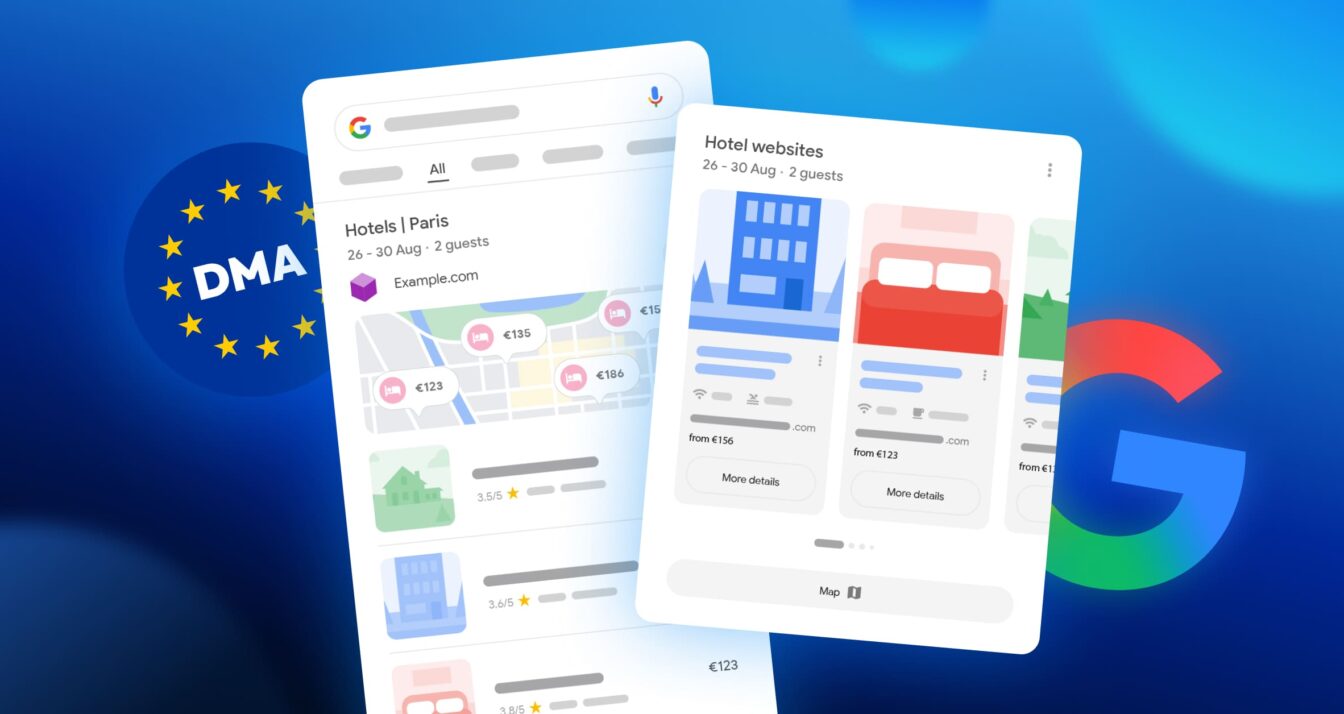
Google updated the appearance of its search results page in Europe on 8 September 2026…

Choosing the right voice of customer platform can transform how you manage CX, provided you…
Receive our best articles and practical guides directly in your inbox every month