



 Help Center
 How to get help
How to use Google to grow your business?
 Written by Beatriz Sierra Sanchez
Table of contents
With a market share of over 90%, Google is the world’s most widely used search engine. Thanks to an incredibly comprehensive ecosystem — from Google Business Profile to Google Ads campaigns — businesses simply can’t afford to overlook this channel when it comes to building their online presence.
In this article, we walk you through the different features Google has to offer, so you can make the most of each tool and grow your online presence!
Why Google for businesses?
Google is the go-to search engine for the vast majority of internet users — and for good reason.
No matter what people are looking for online, whether it’s a good restaurant for a future date, a hairdresser for their upcoming wedding or the right garage to fix their car, Google usually has their back. This is why, if you are a small business owner, taking advantage of Google and its platforms can truly boost your online presence and will help you attract potential customers on the internet.
What’s more, Google offers a wide range of solutions to help businesses grow. It supports your long-term organic search visibility and helps you capture the intent of potential customers. Google also provides diagnostic tools to help you assess how effectively you’re performing.
Build your online presence with Google Business Profile
Google Business Profile (formerly Google My Business), also known as your Google listing, is an essential tool for any business. A well-maintained listing is key to making your business easy to find on Google.
Your Google Business Profile also plays a major role in your overall online visibility. Why? Because it helps you appear in search engine results pages (SERPs) and on Google Maps.
With a GMB account you will be able to create a Google My Business listing for your business. This listing contains all the key information about your business, such as:
- Name;
- Address;
- Website and contact details;
- Working hours;
- Online reviews;
- Your product catalog or services.
Having a Google Business Profile ensures your business can be found online. It also helps you build your online reputation through the reviews your customers leave.
Optimizing your Google listing and keeping all your information accurate can have a significant impact on where you rank in search results. It’s one of the most effective ways to strengthen your presence on Google. To get it right:
- Use targeted keywords in your description,
- Add relevant categories,
- Fill in your attributes and special opening hours.
This will develop your local SEO and improve your chances of being found—putting you in front of the right people at the right time.
Finally, with the rise of AI, new features are emerging all the time. One example is the new ‘Good to know’ section, which provides an automatically generated summary of customer feedback, displayed directly on your listing’s main page.
Google Business Profile is completely free to use, making it a particularly valuable tool for small businesses—and one of the best ways to improve your business’s online presence.
Rank Higher on Google: Optimise Your Listing
Discover the complete guide to Google Business Profile optimisation, featuring exclusive expert advice and actionable checklists to boost your local visibility.
Leverage the strategic benefits of appearing on Google Maps
As mentioned before, once you have a GMB listing people will be able to find your business on Google Maps. Additionally, your business will be visible to users that conduct local searches, meaning that they are looking for the products or services like yours in their local area.
Appearing on Google Maps makes it easier for potential customers to get directions to your business. Whether they’re on their smartphone or desktop, users can check your opening hours and find all the information they need about your business.
Keeping your listing accurate and up to date is critical. It helps build your local authority on Google Maps — and the stronger that authority, the more likely you are to be discovered by users in your area. It’s an essential step if you want to strengthen your Google presence with a local audience.
Here’s how to get your business on Google Maps:
- Claim or create your Google listing;
- Verify your local business;
- Optimise your listing.
As you can see, GMB and Google Maps are highly connected to one another, just like other platforms from Google’s ecosystem that we are going to talk about.
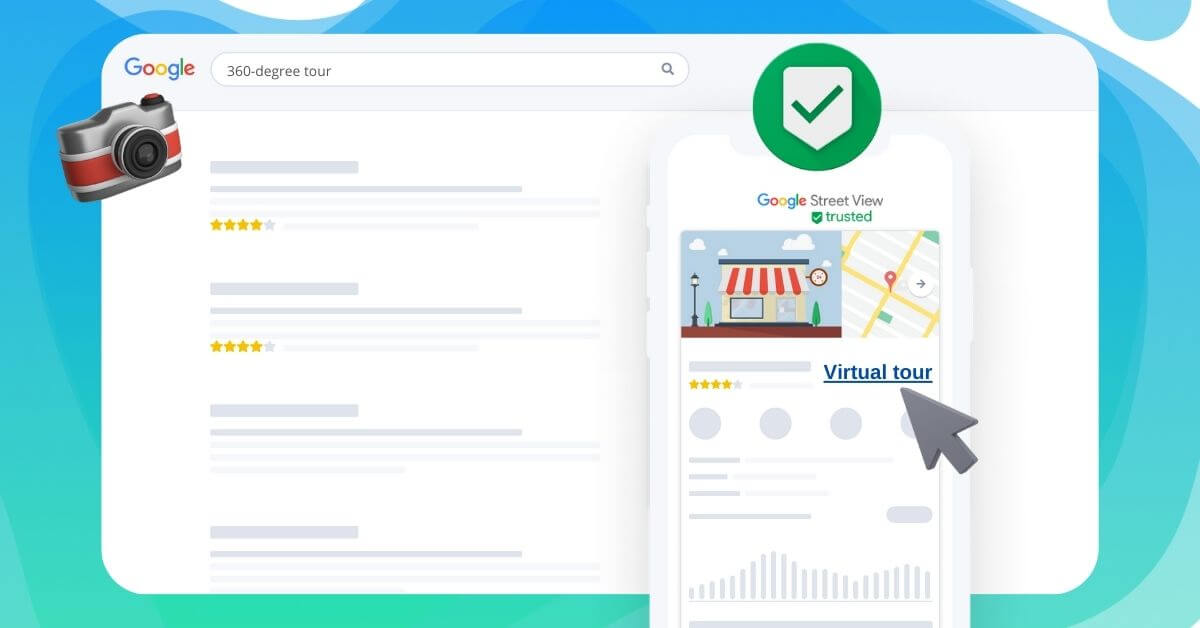
Additionally, if you want to bring your listing to the next level, with the help of Google Maps’ Street View you can add 360-degrees virtual tours of the surroundings or even the interior of your business. These virtual tours can attract a lot more interest to your listing, providing you with a competitive advantage.
AI comes to Google Maps
To address the issue of outdated information, Google has launched Ask Maps—a conversational AI assistant. It draws directly from business listings and customer reviews to provide precise, relevant answers to users’ specific queries, from finding services to checking opening hours in real time.
To address the issue of outdated information, Google has launched Ask Maps—a conversational AI assistant. It draws directly from business listings and customer reviews to provide precise, relevant answers to users’ specific queries, from finding services to checking opening hours in real time.
Promote your business with Google Ads
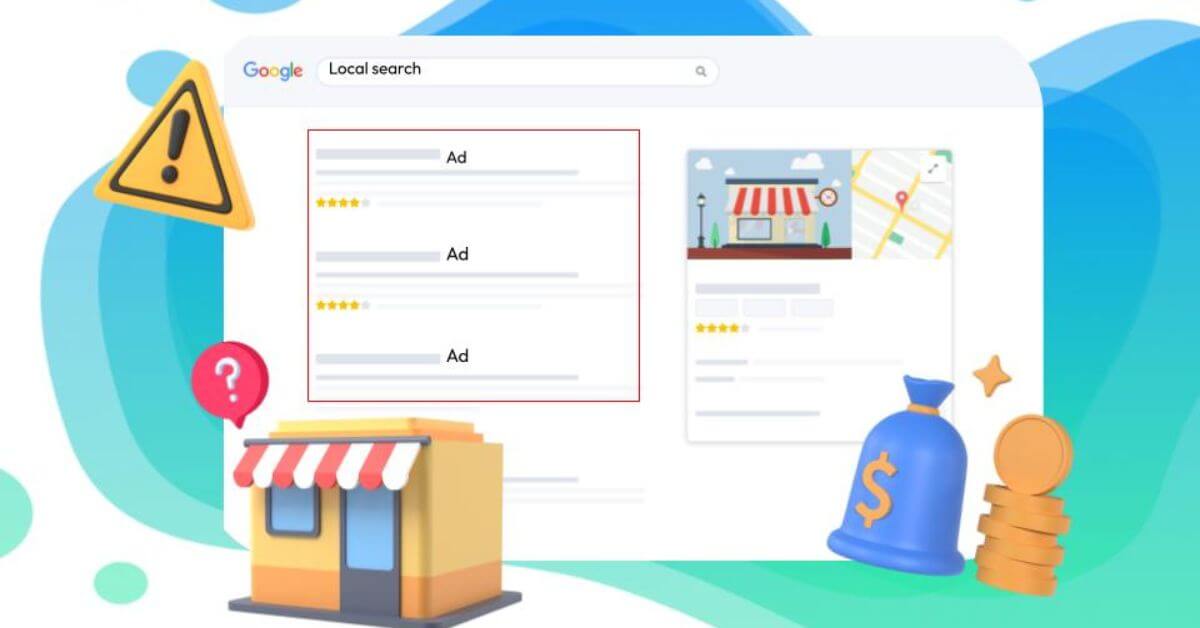
Google Ads is another tool that Google offers to businesses that want to boost their website’s traffic and increase their sales. It’s worth mentioning that the platform is great if you want to gain exposure quicker than you would do only with Search Engine Optimization (SEO).
Learning how to master Google Ads can be very time consuming, but once you know how to manage your campaigns, you’ll realize that it’s worth the wait! Doing search engine advertising with Google Ads can be very useful if your business provides a particular service or product that can be sold nationally and internationally.
As you may know, Google Ads operates on a pay-per-click model. In other words, you only pay when someone actually clicks on your ads. This means you can adjust your daily campaign budget as you see fit, based on the number of clicks you’re getting.
If you decide to run Google Ads, keep in mind that the platform drives traffic to your website or to a specific page of your choosing—a landing page. So if you want to hold users’ attention after that first click, your landing page needs to be compelling. It also needs to be fully optimized for mobile, since over 60% of users now search on their smartphones. Combining SEA with SEO remains the ultimate strategy for strengthening your overall Google presence.
Keeping it local with Google’s Local Service Ads
If you are a local business owner, Google’s Local Service Ads might fit your needs better than the traditional Google Ads platform.
Google’s Local Service Ads platform proposes local online advertising to certain types of businesses, such as businesses that need to reach people in a specific service area or businesses that provide at-home services.
Unlike traditional ads, Local Service Ads work on the pay-per-lead principle. This implies that all the people that click on your ad will have to confirm that they are interested in your services and will make a job request.
Did you know?
Local Service Ads always appear on the first position on the SERP, outranking traditional Google Ads.
Local Service Ads always appear on the first position on the SERP, outranking traditional Google Ads.
Overall, Google’s Local Service Ads is a true gem for people that are not that comfortable with Google Ads. The local service ads are easier to manage and are generated automatically based on the information on your business listing.
Additionally, once you verify your business for Local Service Ads, you’ll be awarded the “Google Guaranteed” badge, which ensures searchers that your business is genuine. This badge can help build trust between you and your potential customers.
Tailor your content to appear in AI search results
Over the past few years, artificial intelligence has been reshaping the way people search online. Google has developed its own AI technology as well as its own conversational AI assistant, Gemini — capable of generating text, images, videos, audio, and code.
Among the most talked-about innovations are two major features: AI Mode and AI Overviews. Powered by AI, both tools help users navigate more effectively by delivering increasingly precise, personalised answers.
| Features | Google AI Overviews | Google AI Mode |
|---|---|---|
| What’s it for? | Provide a quick AI-generated summary | Deliver a conversational, interactive response (for going deeper) |
| Where do you find it? | Directly at the top of your Google search results (SERP) | In a separate tab (activated manually) |
| Format | A short, direct text with source links | A chat-style interface (like a messaging app) |
| When should you use it? | When you need an immediate answer to a complex question | When you want to explore a topic in depth, ask follow-up questions, or brainstorm |
To capture more traffic, it’s worth creating high-value content structured in natural language and designed to address increasingly complex search intent.
By offering quality information through your website, your Store Locator, or your Google Business Profile, you’ll feed Google’s algorithms and stay the go-to reference in your sector.
Track your performance with Google’s tools
If you want to manage your online activity effectively, Google offers two free, complementary tools for analysing your website:
- Google Analytics: ideal for understanding your users’ behaviour. It helps you analyse where your traffic comes from, identify which pages are most visited, and see how visitors interact with your content.
- Google Search Console: perfect for tracking your performance in search. This tool shows you which keywords are driving visits, where your pages rank in Google results, and any technical issues that may be holding back your search visibility.
Use both together, and you’ll have everything you need to sharpen your digital strategy.
To summarise, using Google’s platforms can help you reach your objectives easier and facilitate your business goals in many ways. However, in order for them to work properly for you, you need to be prepared to board a path of continuous learning. Since Google updates these tools constantly, you’ll need to be on the lookout for new relevant information on the tools that you’re using.
Localization Project Manager
The local customer experience platform built for your network
Transform the customer experience across your businesses with AI
Stay one step ahead!
Download the 2026 Barometer on online presence and e-reputation of businesses and gain practical insights to increase your chances of being cited by AI.
Continue reading ...

How do I add my business to Google Maps?
Nowadays, appearing on Google Maps is a must for any local business wishing to amplify…
Small businesses: are Google Ads still worth it?
Google Ads has long been a key driver of traffic to businesses’ websites. However, with…
Google Street View and how it can change your business
A Google My Business profile with high quality photos can improve the user experience and…
Subscribe to our newsletter
Receive our best articles and practical guides directly in your inbox every month